
7 Website Mistakes Small Businesses Make
 on
on A small business website does not need to be complicated. It does need to be clear, fast, trustworthy, and easy to use on a phone. For attorneys, dentists, coaches, plumbers, HVAC companies, and contractors, the website is often the first place a new customer decides whether the business feels credible enough to contact.

The problem is that many small business websites quietly work against the business. They look dated, load slowly, hide key information, or make it hard for visitors to take the next step. These issues may feel small, but they can reduce calls, inquiries, appointments, and quote requests.
Here are seven common website mistakes small businesses make, and how to fix them before they cost you more leads.
1. Treating the website like a digital business card
A basic website with a logo, a phone number, and a few generic sentences is better than nothing, but it is not enough to win trust. New customers want to know what you do, who you serve, where you work, and why they should choose you.
This matters even more for service businesses. A law firm needs to explain its practice areas. A dental practice needs to show services, hours, insurance details, and patient next steps. A contractor needs to show project types, capabilities, and proof of past work.
Your website should answer the questions a serious buyer is already asking. A clear homepage should explain your fit fast, not force visitors to piece together the story themselves.
A stronger approach is to treat the site as a sales asset. Give each major service its own clear section. Add proof near important claims. Make the next step obvious. The goal is not just to “be online.” The goal is to help the right visitor feel confident enough to call, schedule, or request a quote.
2. Letting outdated design weaken credibility
Many small businesses have strong real-world reputations but websites that look five or ten years behind. That mismatch creates doubt. Visitors may wonder whether the business is still active, whether the information is current, or whether a more polished competitor is the safer choice.
Outdated design does not always mean flashy visuals are missing. Often, it means the layout feels crowded, the text is hard to scan, the photos are low quality, or the site does not reflect the business as it operates today.
For example, a contractor may have completed impressive recent projects, but if the portfolio still shows old work, the website undersells the company. A coach may have refined her niche, but if the site does not explain that positioning, prospects will not understand why she is the right fit.

A modern design should support clarity. Your site should look as professional as your work feels. That means clean spacing, readable type, strong photos, clear headings, and a structure that guides people naturally from problem to solution to action.
3. Ignoring the mobile experience
Many small business prospects visit from a phone. Someone searching for an emergency plumber, a nearby dentist, or a local contractor may never see the desktop version of your website. If the mobile experience is frustrating, they may leave before reading much at all.
Common mobile problems include tiny text, buttons that are hard to tap, menus that hide important pages, slow-loading images, and contact forms that are painful to complete. Even if the desktop version looks acceptable, a weak mobile version can reduce calls and form submissions.
Mobile design should focus on speed and action. Your phone number should be easy to tap. Your service area should be visible. Your main offer should be clear without endless scrolling. Forms should ask for only the information needed to start the conversation.
This is especially important for home services and local professional services. If someone is comparing three businesses from a phone, the one with the clearest mobile experience often feels easier to trust.

4. Hiding the next step
A visitor should never have to hunt for how to contact you. Yet many small business websites bury the phone number, use vague buttons, or place the contact form only at the very bottom of the site.
Calls to action should be direct and specific. “Request a Quote,” “Schedule a Consultation,” or “Book an Appointment,” are more useful than generic buttons like “Learn More.” The right phrase depends on how your buyer thinks.
For a dental practice, the next step might be requesting an appointment. For a law firm, it may be scheduling a consultation. For a construction company, it may be submitting project details or requesting an RFQ conversation.
Every important page should offer one obvious next step. That does not mean filling the site with aggressive buttons. It means placing helpful actions at natural decision points: after service explanations, after proof, and near the end of each page.
If your website gets visits but few inquiries, unclear next steps may be one reason.
5. Forgetting local search basics
Small businesses often depend on local visibility, but many websites are not built with local search in mind. They may not mention the cities served, the region covered, or the specific services people search for.
A Wyoming-based service business should not rely only on broad language like “quality solutions for your needs.” It should use clear local and industry terms where they naturally fit: “plumbing services in Casper,” “law firm website design in Wyoming,” “construction company websites in Billings,” or “professional websites for small businesses across the Mountain West.”
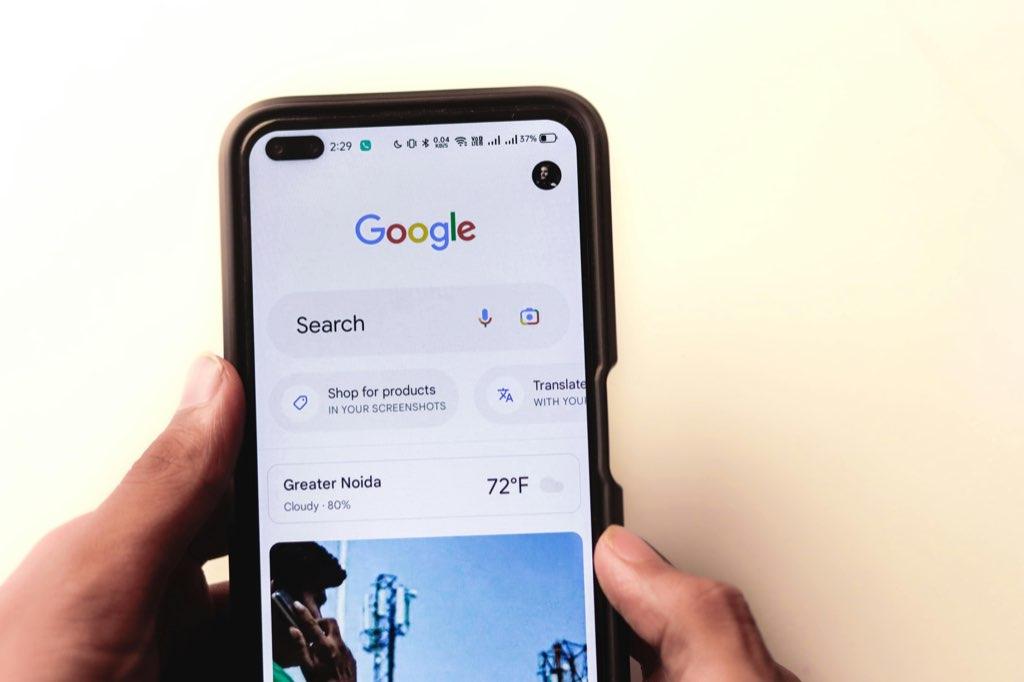
Good local SEO starts with practical on-page details. Include your service area. Use descriptive page titles. Add headings that match what customers actually search. Make sure your contact information is consistent with your Google Business Profile and other listings.
Local search is not about stuffing city names everywhere. It is about helping both visitors and search engines understand what you do, who you serve, and where you serve them.
6. Publishing weak or missing proof
People trust proof more than promises. A website that says “high quality work” but shows no examples, testimonials, process, certifications, or outcomes makes visitors do extra trust-building work on their own.
The right proof depends on the business. A contractor should show project photos with context, not just a gallery. A civil or construction firm should explain scope, constraints, markets, and capabilities. A coach should show testimonials, credentials, and the type of transformation clients can expect. A dentist should highlight patient experience, services, team bios, and convenience.
Weak proof can also attract the wrong inquiries. If your site does not explain your best-fit projects, budget range, service area, or process, you may receive more low-fit messages. Better proof helps serious buyers self-qualify.
Think of proof as a shortcut to trust. Specific examples make your business easier to believe. Add testimonials where they support a decision. Add project details where prospects compare expertise. Add credentials near services that require confidence.
7. Making the site hard to maintain
A website that cannot be updated easily will eventually become inaccurate. This is one of the most common problems for small businesses that used a cheap freelancer, a DIY builder, or an old setup nobody wants to touch.
Outdated hours, missing services, broken links, old staff bios, and stale portfolios all create friction. The business owner may know the website needs work but not have the time, technical comfort, or reliable support to fix it.
The solution is to plan for maintenance from the start. Your website should have a clear support path, secure hosting, backups, updates, and a process for small content changes. You should know who handles technical issues and how quickly important updates can be made.
For busy owners, a hands-off website service can be more valuable than a cheaper build with no support. A site that stays fast, secure, and current is easier to trust and easier to use as a real business asset.

How to spot the biggest issues on your site
You do not need to redesign everything to improve results. Start by reviewing the pages that matter most: homepage, services, about, portfolio or proof pages, and contact page.
Ask a few simple questions. Can a visitor understand what you do in under ten seconds? Is the mobile version easy to use? Are your services and locations clear? Is there proof near your biggest claims? Is the next step obvious? Does the site load quickly? Is the content current?
If the answer is no, your website may be creating hesitation before prospects ever contact you.
A focused audit can help you find the highest-impact fixes first. Instead of guessing, you can identify the issues that most affect trust, usability, local visibility, and conversions.
Turn your website into an asset
Your website should not be another source of stress. It should help new customers understand your value, trust your business, and take action with confidence.
BerylCode builds fast, modern, conversion-focused websites for small businesses, and also offers a 48-hour website audit when you need clear next steps before committing to a full redesign.
If your website feels outdated, unclear, slow, or underused, start with the fastest win: identify what is costing you trust and leads, then fix the issues that matter most.